Everything in Ciciro
Everything in Ciciro, writer by writer.
Novel, screenplay, journal or blog: the same editor, story bible and habit-keeping reminders, with the parts that matter shaped to what you're writing.
- Novels
- Screenplays (Beta)
- Journals
- Blogs
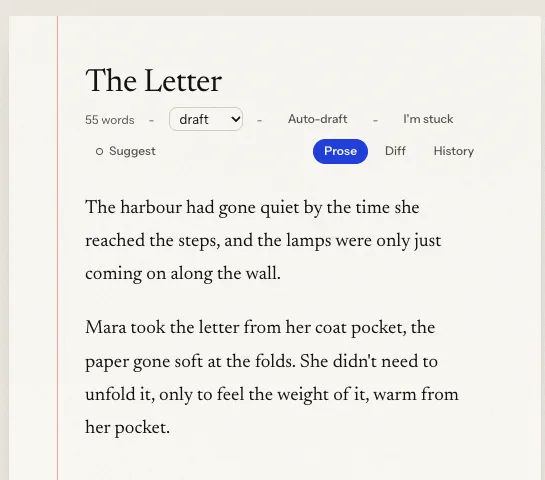
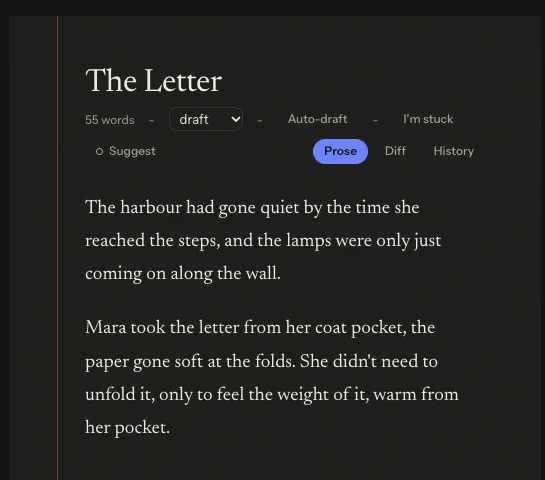
Keep the book consistent
Nobody learns a secret before they should.
Characters, places, timeline and canon live in a story bible beside the chapters, and Ciciro reads it before it reads your prose.
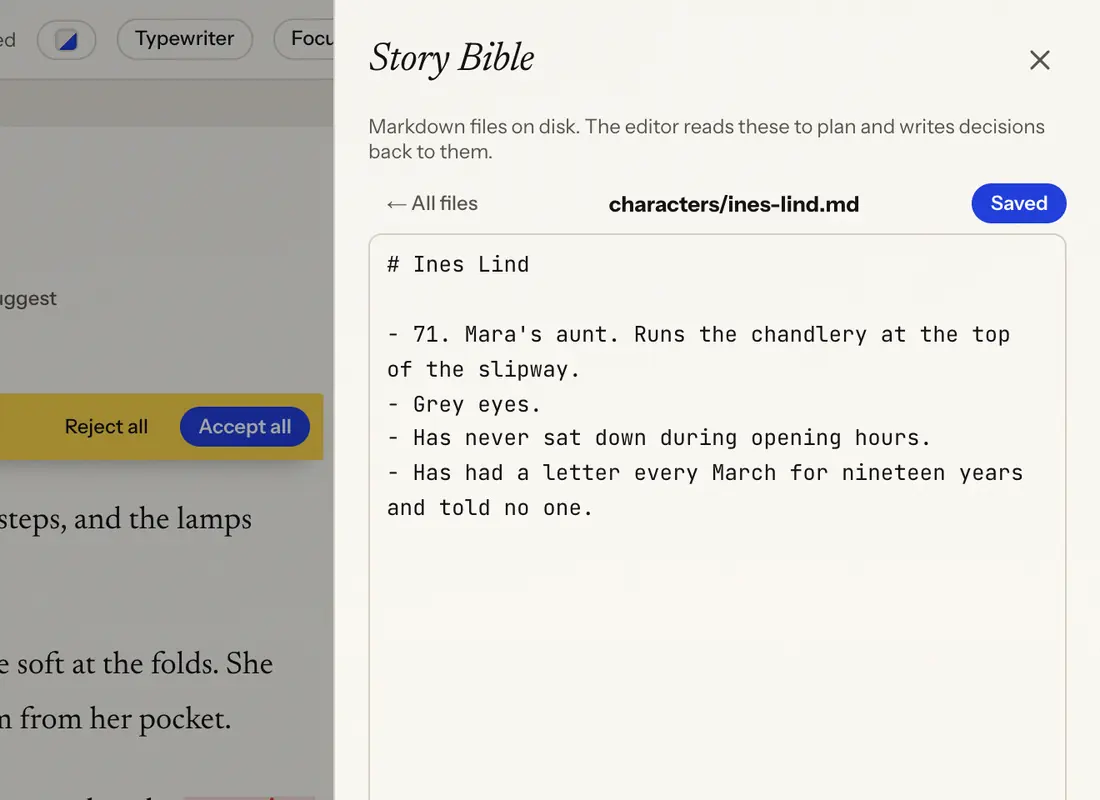
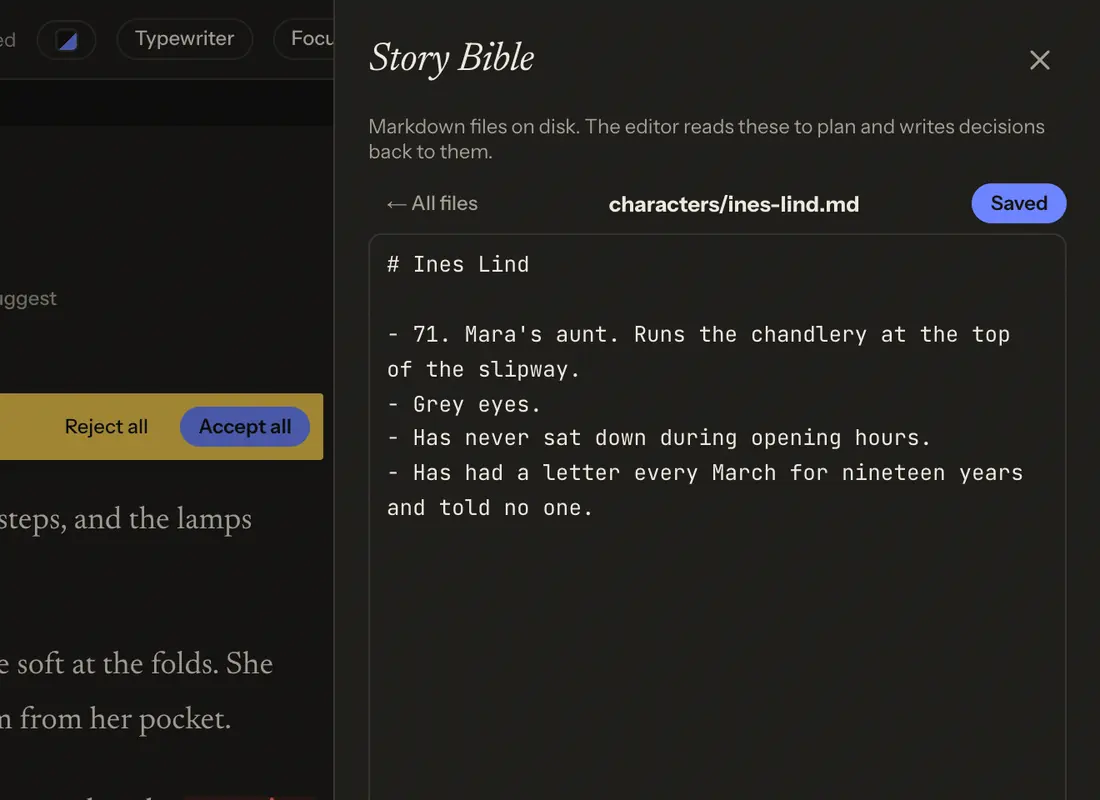
Story bible
Characters, places, timeline and canon live in files beside the chapters, one glance away while you write.
Who-knows-what ledger
Every character's knowledge is tracked chapter by chapter: what they know, suspect, or wrongly believe, and when that changes. Ciciro's edits and its continuity check only ever see what a character knew by that point in the story.
Continuity check
Run a check on one chapter or the whole book, and Ciciro flags contradictions against your story bible without touching a word.
What changed
After you finish a chapter, Ciciro proposes the facts it should remember: a new rule for the world, a loop to close, something a character now knows. Keep the ones you want; nothing is written until you say so.
AI that edits, not ghost-writes
AI edits you accept or reject.
When Ciciro changes your lines, the changes arrive as suggestions, never a silent rewrite, and you decide how much control to hand over in any given conversation.
Suggestions and tracked changes
Ciciro's edits show up as suggestions in the text. Accept or reject each one, or all at once, and every chapter keeps a history you can restore.
Allow edits / Chat only, and a real Stop
Switch any conversation to Chat only and Ciciro will discuss your book but never touch it, enforced on the server, not just the screen. Stop actually stops the run.
AI-involvement tally
A running tally shows how much of the book came from Ciciro and how much you wrote yourself, per chapter and for the whole manuscript. It's a record for you, not a guarantee of compliance with any platform's disclosure rules.
Craft defaults
Turn on the Experimental writing prompt (off by default) and Ciciro's drafts steer away from the tells of AI-written fiction: weather that mirrors mood, tidy epiphanies, "not X but Y." Your own style guide always wins.


Find your voice
Tell Ciciro your voice by writing, not describing it.
No style instructions to write by hand: Ciciro reads your own prose for the patterns, and a set of one-tap tools work on exactly the passage you've highlighted.
Analyze my style
One click reads a spread of your own chapters and drafts a style guide and a character voice sheet, each claim backed by a quote from your prose. Nothing saves until you approve it.
Quick actions
Ten scoped one-tap prompts, aware of what you're writing: a novel, screenplay, blog post or journal entry each get a different set.
The menu over highlighted text
Select a word or a passage for Comment, Rewrite, Describe, Expand or Fix, plus synonym suggestions that match the case of the word you picked.
Repetition checkWeb only
Flags overused words and phrases across the manuscript. No AI, no API key needed.
Write anything
Write anything, including a script.
Switch a manuscript's kind between novel, screenplay, blog and journal, and the editor, quick actions and bible all follow. Screenplay is the newest of them, and it's still Beta.
A real screenplay, paginated as you write itBeta
Scene headings, cues and dialogue, typed fast with name/place/time autocomplete and typed capitals. Exact pagination, a title page, dual dialogue and a scene navigator, the way a working screenwriter expects.
Screenplay import and exportBeta
Bring a script in or send it out as Fountain, or export FDX for use in other screenwriting software. Ciciro makes no claim that Final Draft opens the FDX unchanged.
Live page layout on the phoneiOS only, Beta
On iPhone, the screenplay editor paginates live as you type, the same page count the exported PDF will show.
Two languages for nowEnglish and Spanish only
Screenplay formatting covers English and Spanish today, with more languages planned. A control that can't work in another language yet is shown, not hidden, with an explanation.
Plan before you draft
Plan before there's a chapter to outline.
A chapter-by-chapter outline for when you know the shape of the book, a blank board for when you don't, and a weekly look back either way.
Outline
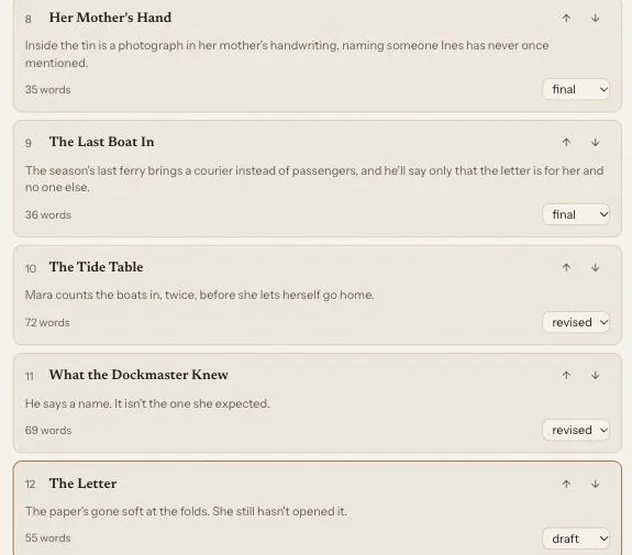
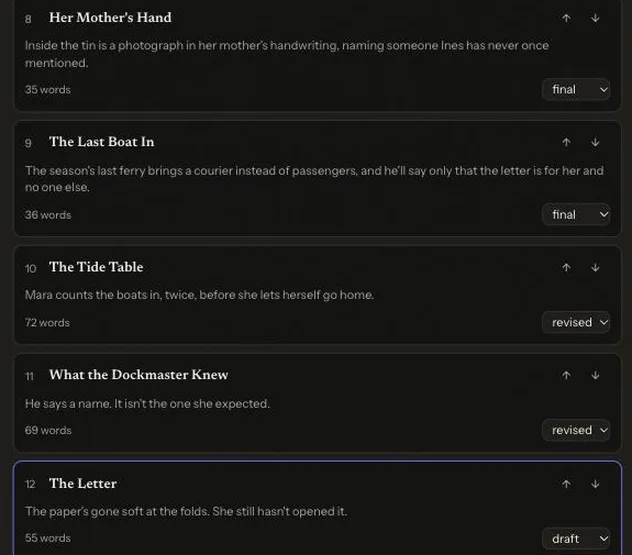
A chapter-by-chapter outline beside the manuscript, reordered by dragging, on the web and the phone.
CanvasWeb only
A blank board for cards and arrows. Ask Ciciro to fill a card, offer options, or sketch a full outline from one premise. Nothing here becomes a chapter until you write it.
Scratchpad
Up to 200 research notes, synced across every device, with conflicts handled automatically.
Weekly review
A look back at the last seven days: what moved, what's still open, and a few concrete next steps, saved so you can reread any past week.
Finish, on your terms
A deadline that tells you the truth, not a streak.
Coming back to a manuscript is the hardest part. Ciciro picks up where you stopped and tells you plainly how the schedule looks.
Manuscript deadlinesPhone app
Set a due date and a word count. Ciciro reads your real pace over the last two weeks and tells you plainly if you're ahead, on track, or should pick it up.
"Previously on"
Twelve hours or more away, and Ciciro greets you with a short recap of your recent chapters before you write the next line.
"I'm stuck"
Concrete next-step suggestions drawn from the chapter, your story bible and your open questions.
Version history
Automatic snapshots of every chapter, with an Undo-safe restore if a rewrite goes the wrong way.
Share and get feedback
Share a chapter, no account required.
Beta readers comment on your chapters without ever signing up for anything.
Beta reader links
Share a chapter by link. A beta reader comments by name, with no account needed.
Resolve and reopen
Mark a comment resolved once you've addressed it, reopen it if it needs another pass, and jump straight to where it points in the text after an edit.
Read it, say it, keep it
Hear it. Say it.
Ways to meet the page that aren't typing, and a record you can take with you.
Read aloud
Listen to any chapter sentence by sentence, at your speed, to catch the lines that don't sound right out loud.
DictationBrowser and platform limits apply
Skip the keyboard and dictate straight into the page, with spoken punctuation commands.
Focus and typewriter modes
Dim everything but the current paragraph, or keep the line you're writing centered on the screen.
Import and export
Bring your draft in from Word, Markdown or Scrivener, and send it out as Word, EPUB or PDF. Your data export and account deletion are both self-serve, from Settings.
Early access
Start the habit tonight.
Early access is open, and your manuscripts, story bible and exports are free. Bring the sentence you already started.